Medusa
Learn how to properly integrate Strapi with Medusa and make these two systems work for you.

What is Strapi?
Strapi is the leading open-source headless CMS offering features, like customizable APIs, role-based permissions, multilingual support, etc. It simplifies content management and integrates effortlessly with modern frontend frameworks.
Explore the Strapi documentation for more details.
What is Medusa?
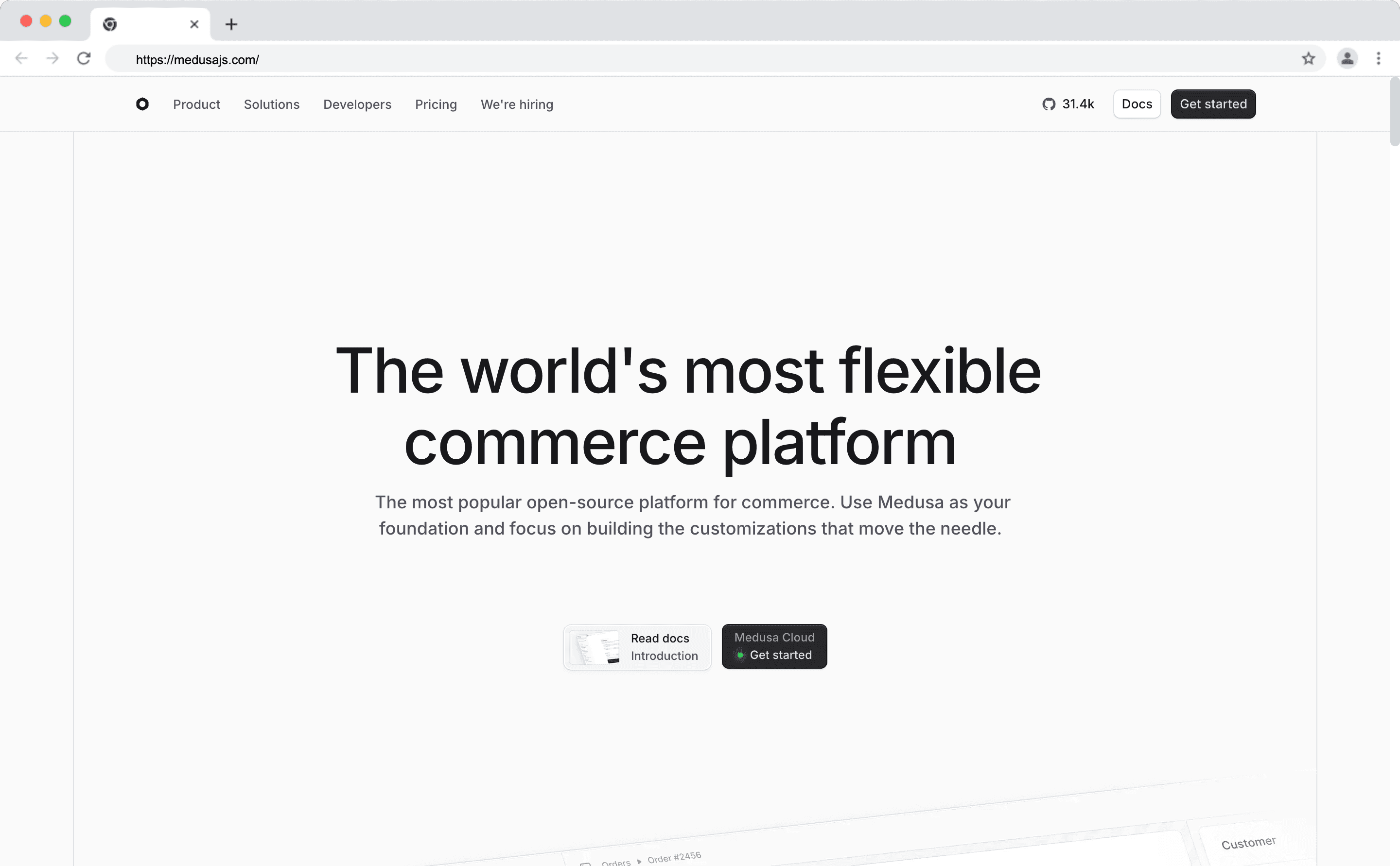
Medusa is an open-source headless commerce engine that provides all the essential tools to build modern e-commerce platforms. It exposes APIs for product management, orders, checkout, and more, thus allowing you to build custom storefronts with your preferred front-end framework.
Why Integrate Strapi with Medusa?
By combining Strapi’s CMS capabilities with Medusa’s commerce engine, you create a content-rich, highly customizable e-commerce platform where:
- Product and catalog content can be managed in Strapi,
- Commerce logic and transactions are handled by Medusa,
- Your frontend consumes content and commerce data through APIs.
This separation allows:
- Flexible content modeling: Create custom product pages, landing pages, and marketing content in Strapi.
- Two-way data sync: Keep product data consistent between Medusa and Strapi.
- Personalized experiences: Serve rich content and commerce data to multiple channels or storefronts. Strapi
How the Integration Works
- Medusa stores commerce data (products, variants, orders, pricing).
- Strapi manages enriched content tied to that data (extended descriptions, marketing copy, SEO fields, media assets).
Integrate Medusa with Strapi
Step 1. Set Up a Medusa Application
npx create-medusa-app@latestFollow the prompts to generate your Medusa backend and, optionally, the Next.js storefront.
Step 2: Set Up Strapi
In a separate directory, bootstrap a new Strapi application:
npx create-strapi@latest my-strapi-app
cd my-strapi-app
npm run dev
Create your admin account and launch the Strapi admin panel.
Step 3: Define Product Content Types in Strapi
Create collection types in Strapi for:
- Product
- Product Variant
- Product Option
- Product Option Value
Each content type should include fields that map to Medusa IDs and relationships.
Step 4: Install Strapi Client in Medusa
From your Medusa project directory, install the Strapi client:
npm install @strapi/clientNext, create a new directory in your Medusa app:
src/modules/strapiCreate a Strapi Client Loader
This initializes the Strapi client when the Medusa server starts.
Example code snippet:
import { strapi } from "@strapi/client";

export default async function initStrapiClientLoader({ container, options }) {
  if (!options?.apiUrl || !options?.apiToken) {
    throw new Error("Strapi API URL and token are required");
  }
  const strapiClient = strapi({
    baseURL: options.apiUrl,
    auth: options.apiToken,
  });
  container.register("strapiClient", asValue(strapiClient));
}
You’ll configure the module so Medusa has the Strapi API details (URL, token, locale).
Step 5: Sync Data Between Systems
A. From Medusa → Strapi Medusa emits events (e.g., on product creation/update) that you can hook into:
- Fetch data from Medusa entities
- Push it into Strapi via the Strapi API
B. From Strapi → Medusa
- Strapi webhooks notify Medusa when content changes (e.g., updated descriptions).
- Medusa handlers then update internal states or trigger business logic accordingly.
This two-way sync ensures both systems stay aligned.
Step 6: Display Unified Data in a Frontend
Once Strapi and Medusa are synchronized:
- Pull product, variant, option, and content data
- Combine them in your storefront API calls
- Render content + commerce pages with frameworks like Next.js
The official guide includes a full example using the Medusa Next.js Starter.
Want More Details?
For detailed instructions and additional information, refer to the full guide Read the full guide.
Need Fully-Managed Hosting?
Try Strapi Cloud Strapi Cloud is a fully-managed cloud hosting for your Strapi project.
With Strapi Cloud:
- Get everything you need to run your Strapi project in production.
- Deploy Strapi to Production in just a few clicks with no vendor lock-in.
- Gain complete control by collaborating with your team, managing custom domains, monitoring real-time logs, and more.
Frequently Asked Questions
Medusa is an open-source headless commerce engine built with Node.js. Like Strapi, it's developer-focused and offers extensive customization. Use Medusa for commerce and Strapi for content.
Both platforms support webhooks and lifecycle hooks. Configure two-way sync to maintain consistency between product data in Medusa and content in Strapi.
Yes, both platforms have plugin ecosystems. Use Medusa plugins for commerce features (payments, fulfillment) and Strapi plugins for content features (SEO, media optimization).
Next.js and Gatsby are popular choices. Build storefronts that consume both Medusa's commerce API and Strapi's content API for comprehensive e-commerce experiences.
The Medusa-Strapi combination offers maximum flexibility for custom requirements. For simpler needs, all-in-one platforms may suffice, but complex projects benefit from specialized tools.