Resend
Learn how to integrate Resend with Strapi.

Why Use Resend?
Integrate Resend with Strapi to send emails reliably and ensure they land in the inbox using modern, developer-friendly tools. Resend focuses on high deliverability and a smooth integration experience, making it a strong choice for production-ready applications.
Key features that stand out:
- Easy to integrate with simple APIs and SDKs.
- High deliverability with dedicated IPs and strong reputation tools.
- Great developer experience built around React Email and modern workflows.
- Reliable analytics and monitoring for every email event.
- Fast global sending with region-based infrastructure.
Explore the Resend documentation to learn more.
Why Use Strapi?
Strapi is the leading open-source headless CMS offering features like customizable APIs, role-based permissions, multilingual support, etc. It simplifies content management and integrates effortlessly with modern frontend frameworks.
Explore the Strapi documentation for more details.
Strapi 5 Highlights
The out-of-the-box Strapi features allow you to get up and running in no time:
- Single types: Create one-off pages that have a unique content structure.
- Draft and Publish: Reduce the risk of publishing errors and streamline collaboration.
- 100% TypeScript Support: Enjoy type safety & easy maintainability
- Customizable API: With Strapi, you can just hop into your code editor and edit the code to fit your API to your needs.
- Integrations: Strapi supports integrations with Cloudinary, SendGrid, Algolia, and others.
- Editor interface: The editor allows you to pull in dynamic blocks of content.
- Authentication: Secure and authorize access to your API with JWT or providers.
- RBAC: Help maximize operational efficiency, reduce dev team support work, and safeguard against unauthorized access or configuration modifications.
- i18n: Manage content in multiple languages. Easily query the different locales through the API.
- Plugins: Customize and extend Strapi using plugins.
Learn more about Strapi 5 feature.
How to Integrate Resend with Strapi 5 for Email Delivery
Step 1: Set Up Your Strapi Project
1. Install Strapi First, set up your Strapi project by running the command below:
# npm
npx create-strapi@latest

# yarn
yarn create strapi

# pnpm
pnpm create strapi
2. Start Strapi Development Server After installation, start your Strapi development server using the command below:
# npm
npm run develop

# yarn
yarn develop
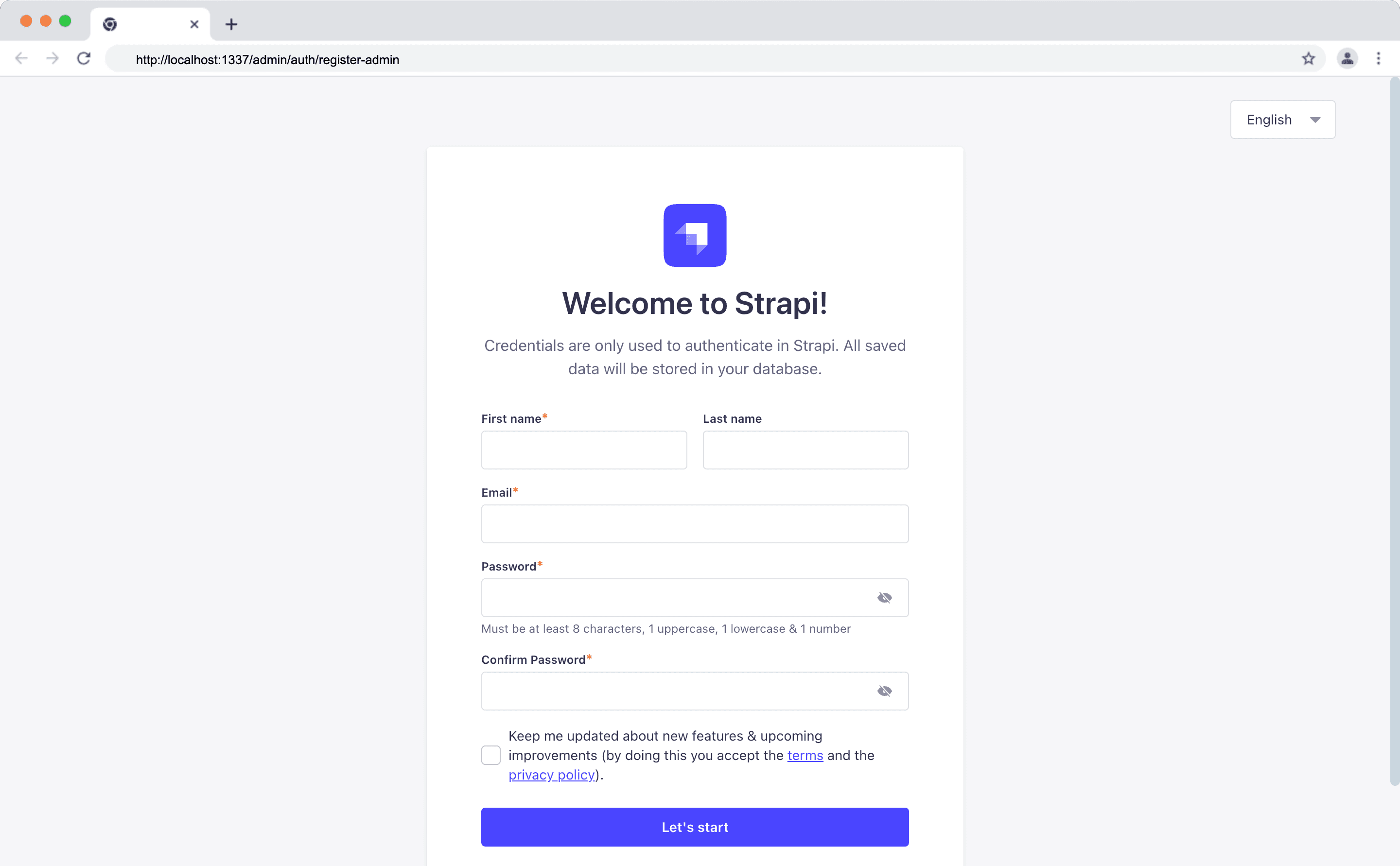
3. Register an Admin User After starting your Strapi development server, proceed to create a new admin user.
Step 2: Create a Resend Account
Navigate to Resend and create a new account.

Step 3: Create a Resend API Key
To send your first email, you need a Resend API key. You will be asked to add one during your onboarding, or head over to https://resend.com/api-keys to create one.
Step 4: Update .env File
Update your environment variable file .env by adding the following variables:
RESEND_API_KEY=YOUR-RESEND-API-KEY
RESEND_DEFAULT_EMAIL=onboarding@resend.dev
RESEND_USER_EMAIL=YOUR-RESEND-EMAIL-ADDRESSRESEND_API_KEYrepresents your Resend API key.RESEND_DEFAULT_EMAILrepresents the email provided by default by Resend, which isonboarding@resend.dev.RESEND_USER_EMAILrepresents the email you used in creating your Resend account.
Step 4: Install Resend Email Provider
Run the command below to install the Resend email provider from the Strapi plugins marketplace:
npm i strapi-provider-email-resendStep 5: Update Strapi Plugin Configuration File
Locate the Plugin configuration file server/config/plugins.ts and update it with the following:
// Path:
module.exports = ({ env }) => ({
  email: {
    config: {
      provider: "strapi-provider-email-resend",
      providerOptions: {
        apiKey: env("RESEND_API_KEY"), // Required
      },
      settings: {
        defaultFrom: env("RESEND_DEFAULT_EMAIL"),
        defaultReplyTo: env("RESEND_USER_EMAIL"),
      },
    },
  },
});
Restart your development server after updating your configuration file.
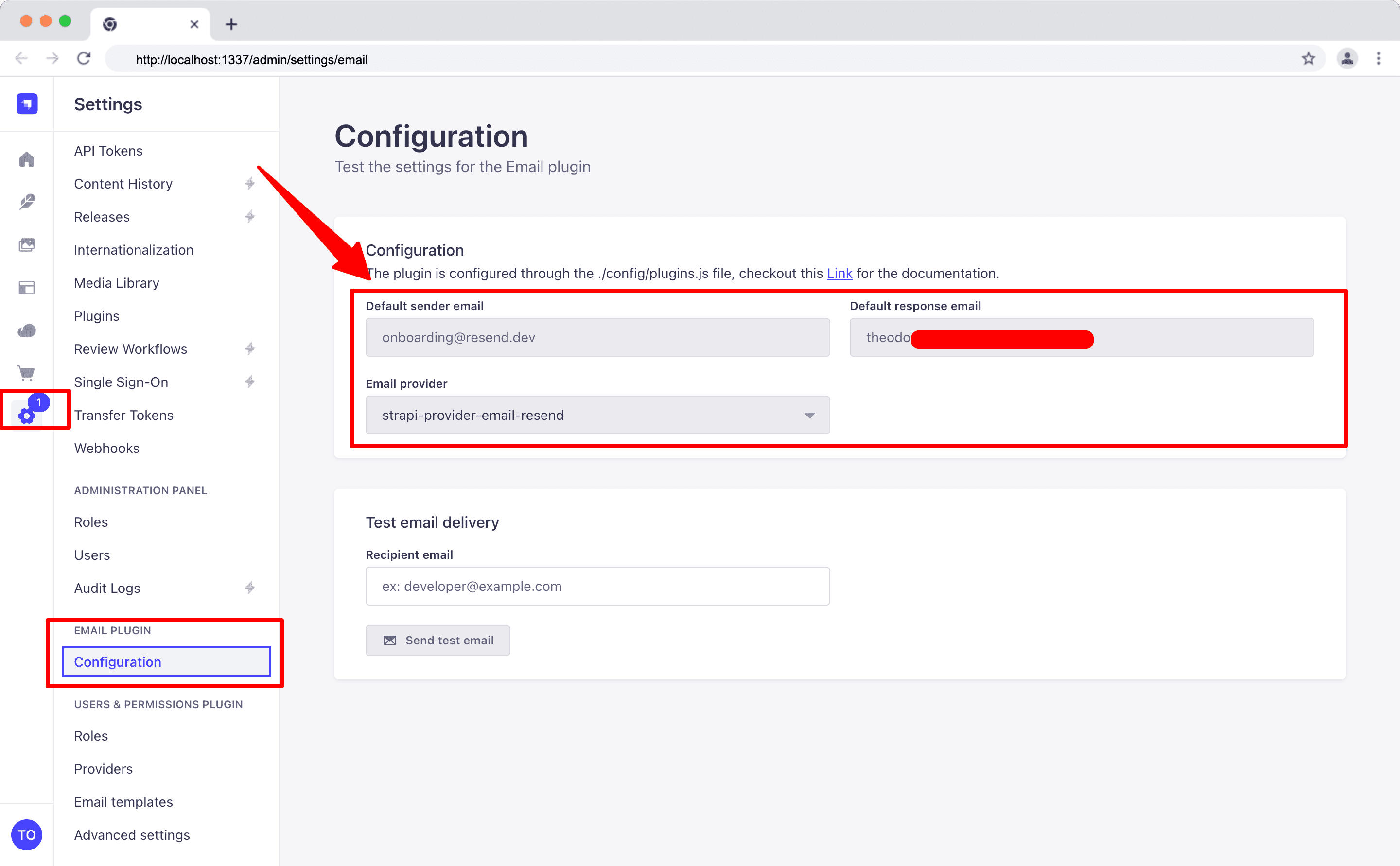
Head over to Settings > Email > Configuration. You should see the plugin configuration data you created above.
Step 6: Test Resend in Your Strapi App
1. Testing in the Admin Panel To test your Resend email provider plugin, navigate to Settings > Email > Configuration.
Inside the Recipient email field, enter the email you used when creating your Resend account and click the "Send test email" button.
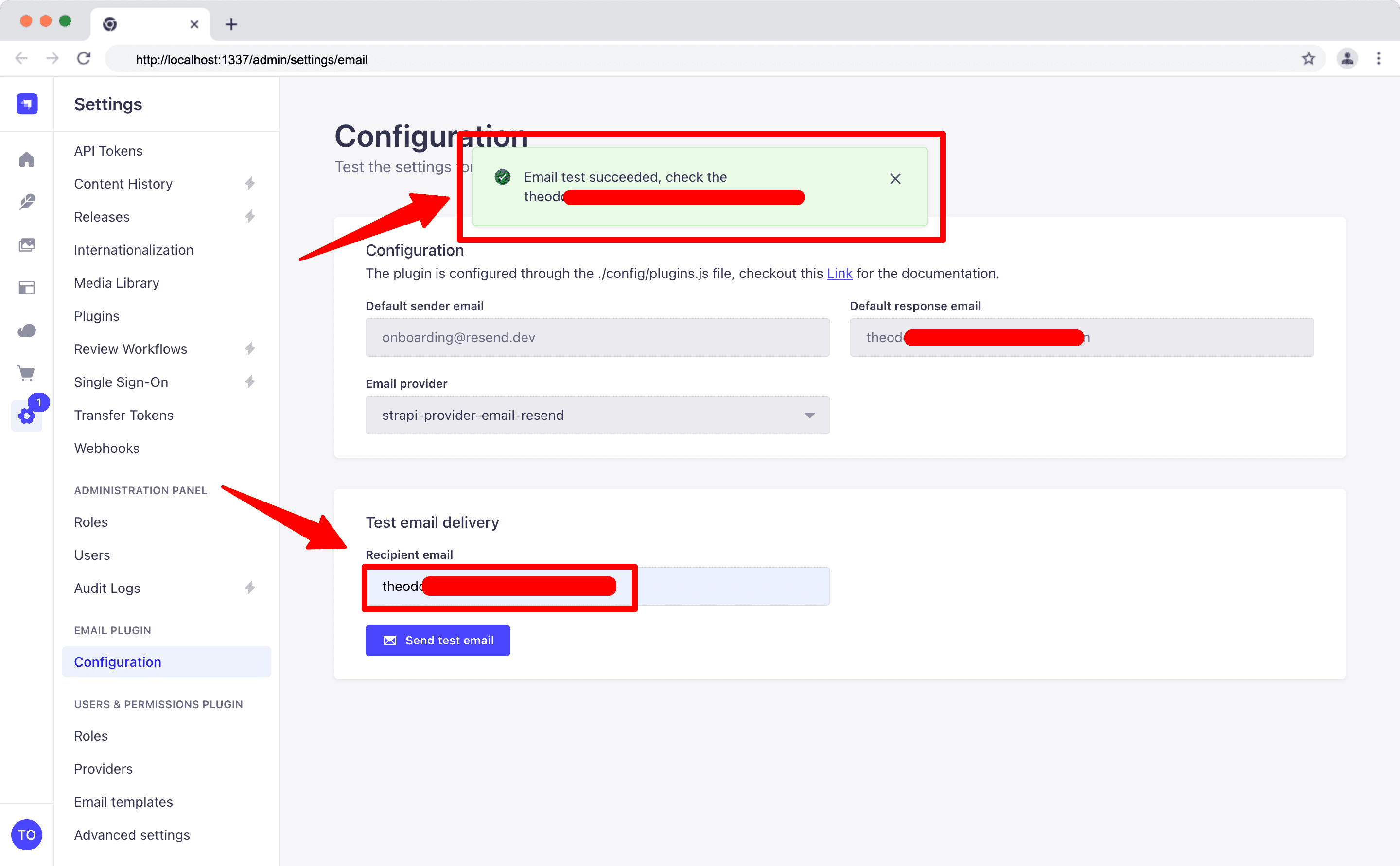
If you get the success toast notification as shown above, then you have successfully integrated the Resend email provider in your Strapi application.
2. Testing in your Strapi Backend Code
For this example, let's use the bootstrap() lifecycle function to send an email.
Locate the ./src/index.ts file and add the following code:
import type { Core } from "@strapi/strapi";

export default {
  /**
   * An asynchronous register function that runs before
   * your application is initialized.
   *
   * This gives you an opportunity to extend code.
   */
  register(/* { strapi }: { strapi: Core.Strapi } */) {},

  /**
   * An asynchronous bootstrap function that runs before
   * your application gets started.
   *
   * This gives you an opportunity to set up your data model,
   * run jobs, or perform some special logic.
   */
  bootstrap({ strapi }: { strapi: Core.Strapi }) {
    const sendTestEmail = async () => {
      await strapi.plugins.email.services.email.send({
        to: process.env.RESEND_USER_EMAIL,
        text: "Hello Theodore! Testing Resend and Strapi integration ",
        subject: "Testing Resend Provider",
      });
    };

    sendTestEmail();
  },
};
After adding the code above to your lifecycle function, check your email inbox.
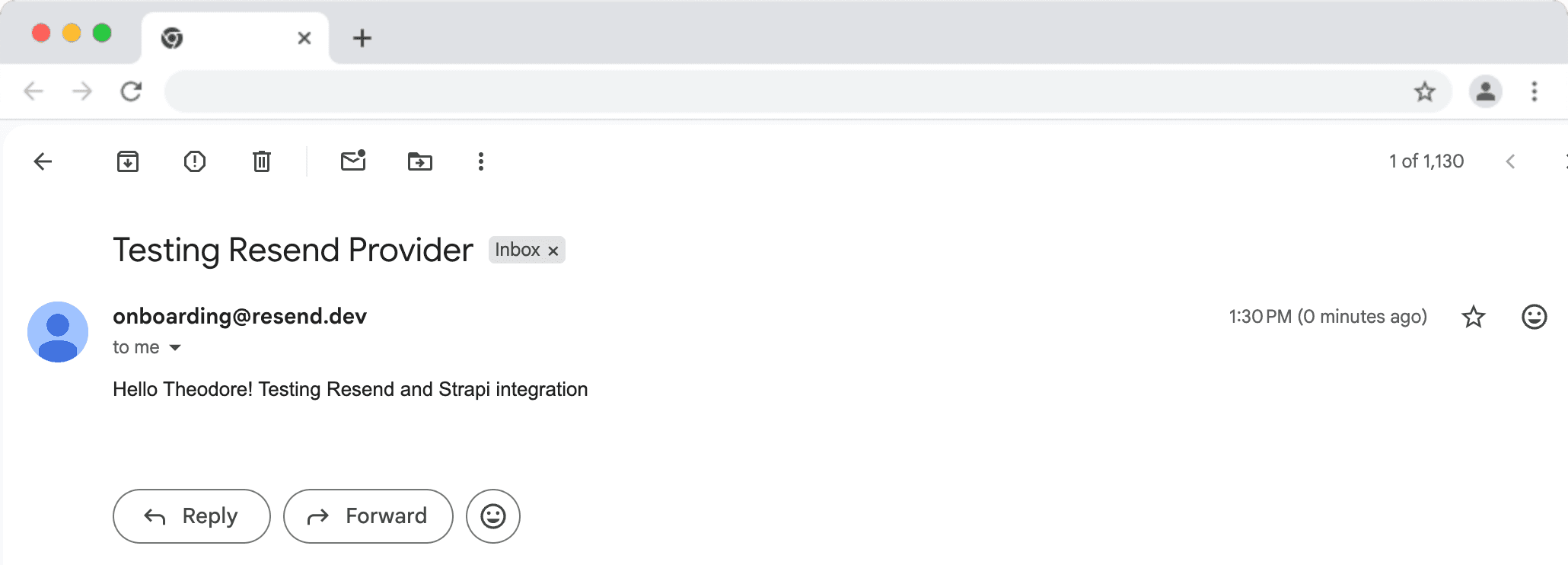
👋 NOTE The code above runs every time you start Strapi. So, ensure you remove the sendTestEmail function as we only used it for testing.
Congratulations! You have successfully integrated Resend and Strapi!
GitHub Code
For the full code, visit this repository.
Strapi Open Office Hours
If you have any questions about Strapi 5 or just would like to stop by and say hi, you can join us at Strapi's Discord Open Office Hours, Monday through Friday at 12:30 pm - 1:30 pm CST: Strapi Discord Open Office Hours
For more details, visit the Strapi documentation and Resend documentation.
Frequently Asked Questions
Resend is a modern email API designed for developers, supporting React Email for template creation. It provides excellent deliverability with a developer-friendly experience.
Install the Resend provider plugin, configure your API key in Strapi's plugins settings, and set sender details. Resend handles transactional email delivery reliably.
Yes, create email templates using React Email components, then send them through Resend from Strapi. This enables type-safe, component-based email development.
Yes, Resend provides test API keys that simulate sending without delivering emails. Use this for development and testing before switching to production keys.
Resend focuses on developer experience with modern APIs, React Email integration, and transparent pricing. It's built for developers who want email to "just work."