
Advanced state manager
By Magdalena
Allows to define and handle more states than draft and published
Latest version
released February 4, 2026
npm install @primershop/strapi-plugin-status-managerAdvanced state manager for Strapi content
A Strapi plugin that enables more status variations for your content.
Installation
npm install @primershop/strapi-plugin-status-managerUsage
- Install the plugin in your Strapi project
- The plugin will automatically register and provide additional status management functionality
- Configure the plugin through the Strapi admin panel
How it works
First of all, custom statuses will work only if you disable draft&Publish default option from your content type in the content builder. Otherwise it's default strapi behavior.
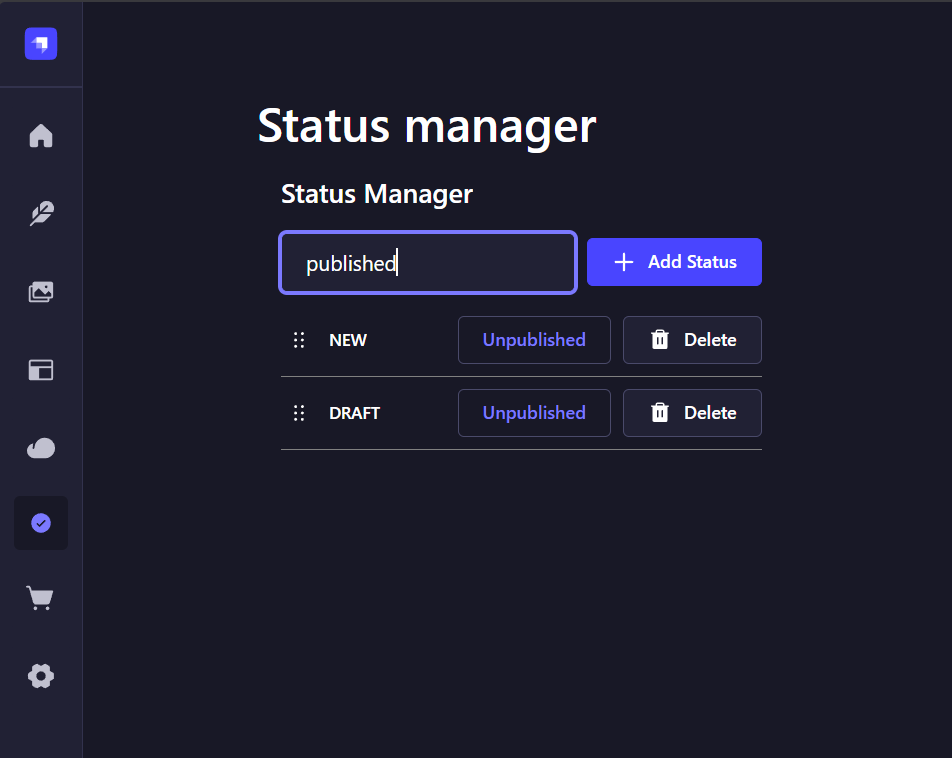
Add custom statuses for your content
Just type in status in the input field and press "Add status" button
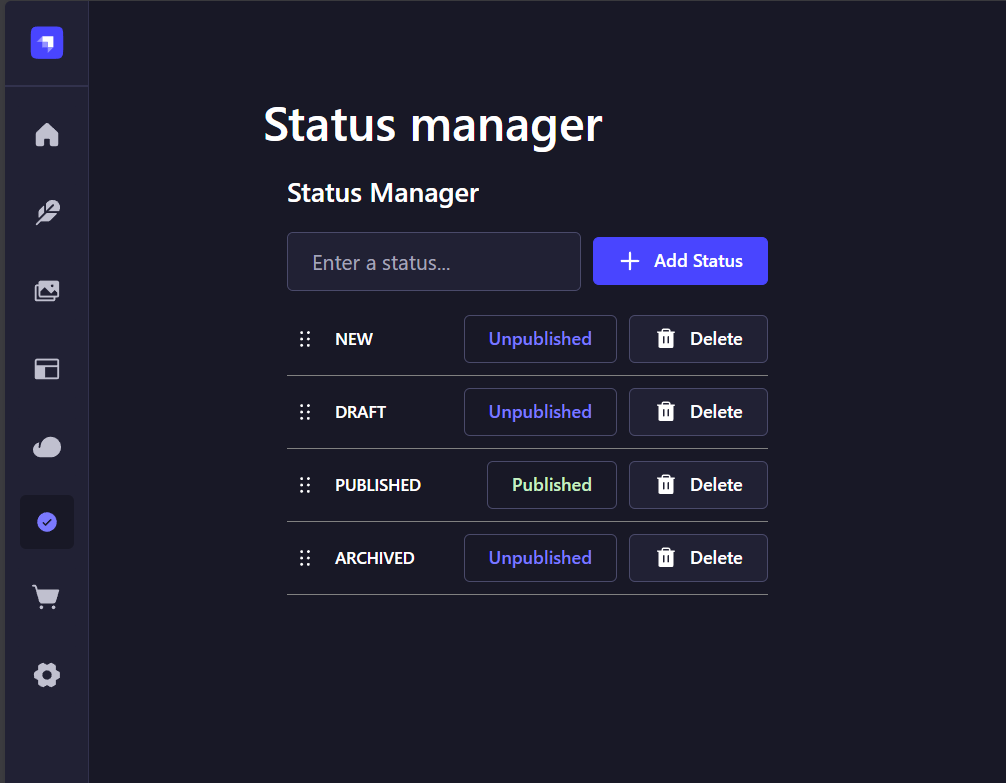
Toggle visibility of your status
Press "Published" or "Unpublished" button to change the visibility of the content with assigned status. Only "published" will be accessible on your frontend.
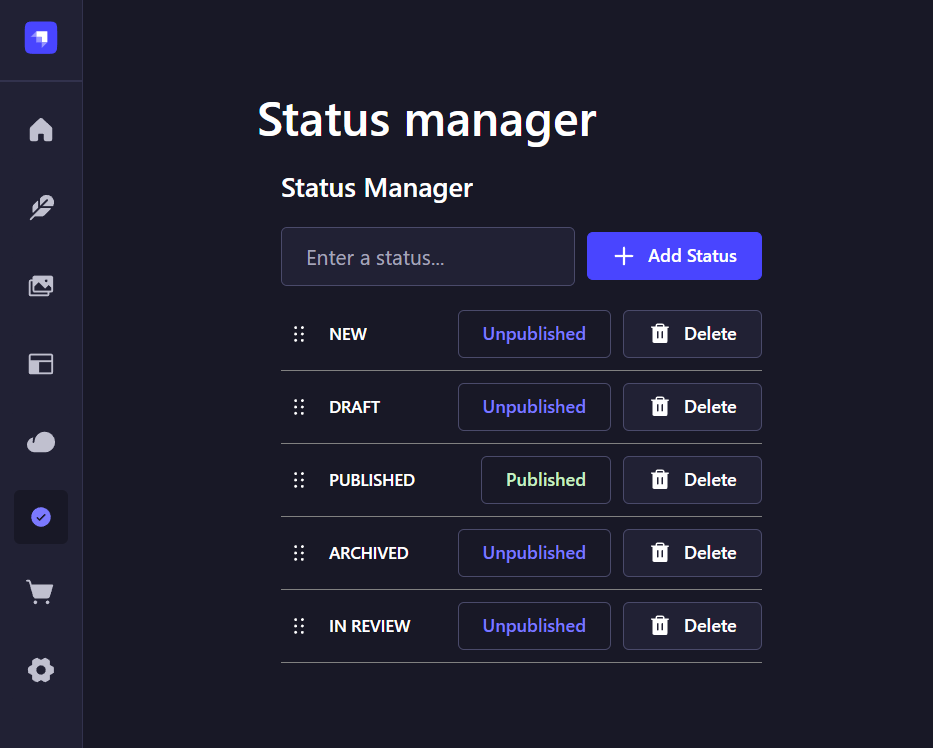
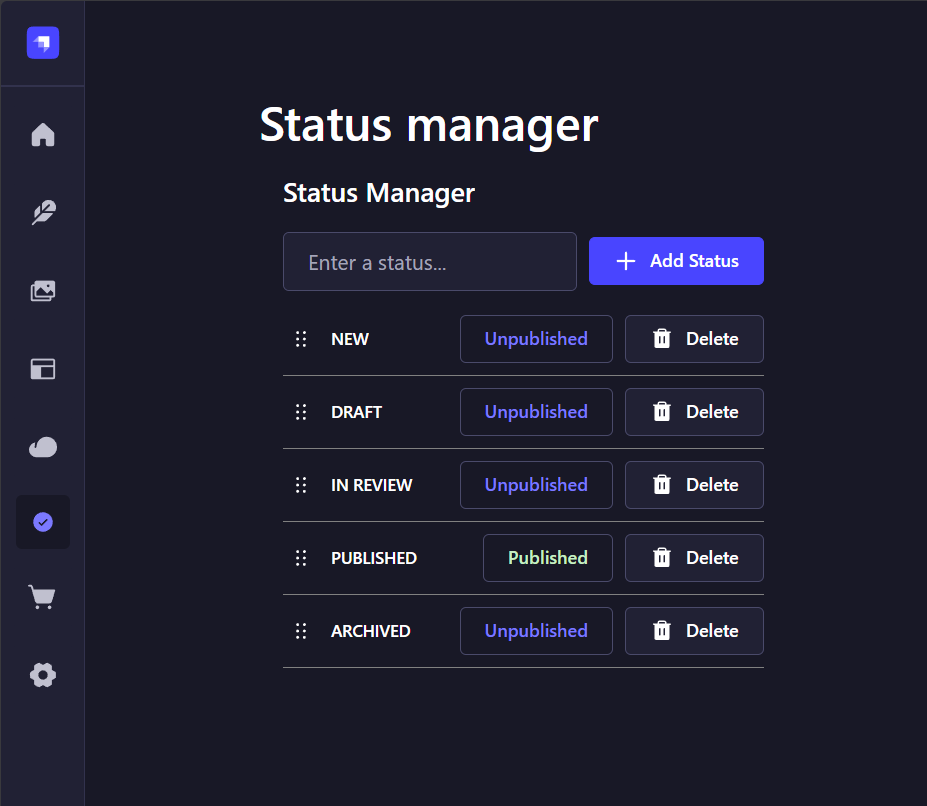
Reorder statuses
This might be important for your flow of content creation and management. You can use drag and drop tool and change order of the statuses. It will be reflected in the status dropdowns on your content pages.
| Before | After |
|---|---|
 |  |
Delete status
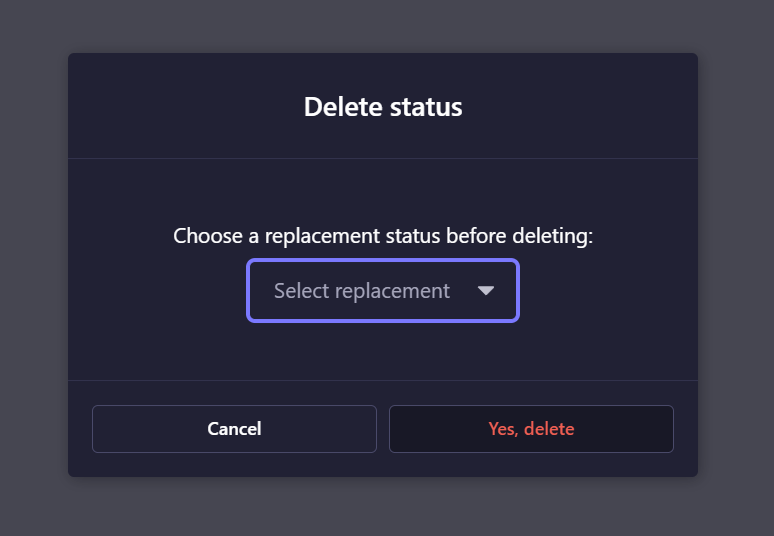
Upon deleting you will be prompted to choose replacement status. All the content with deleted status will then be updated to have the replacement status.
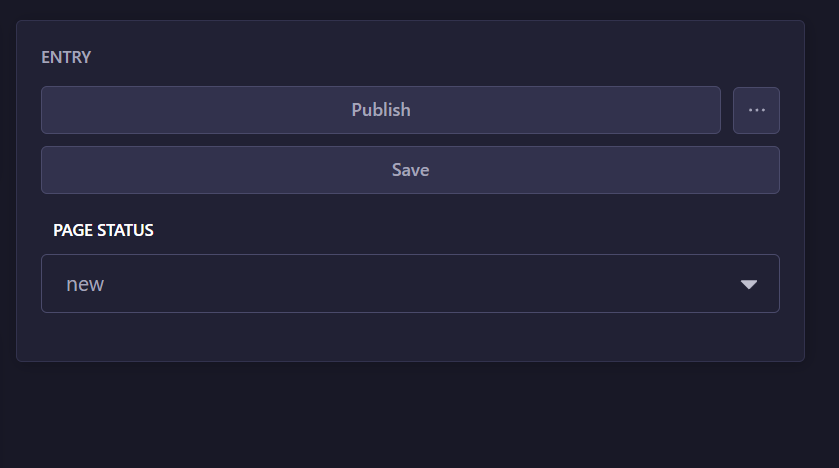
On your content edit page
Status dropdown is available on the right side banner of your content page.
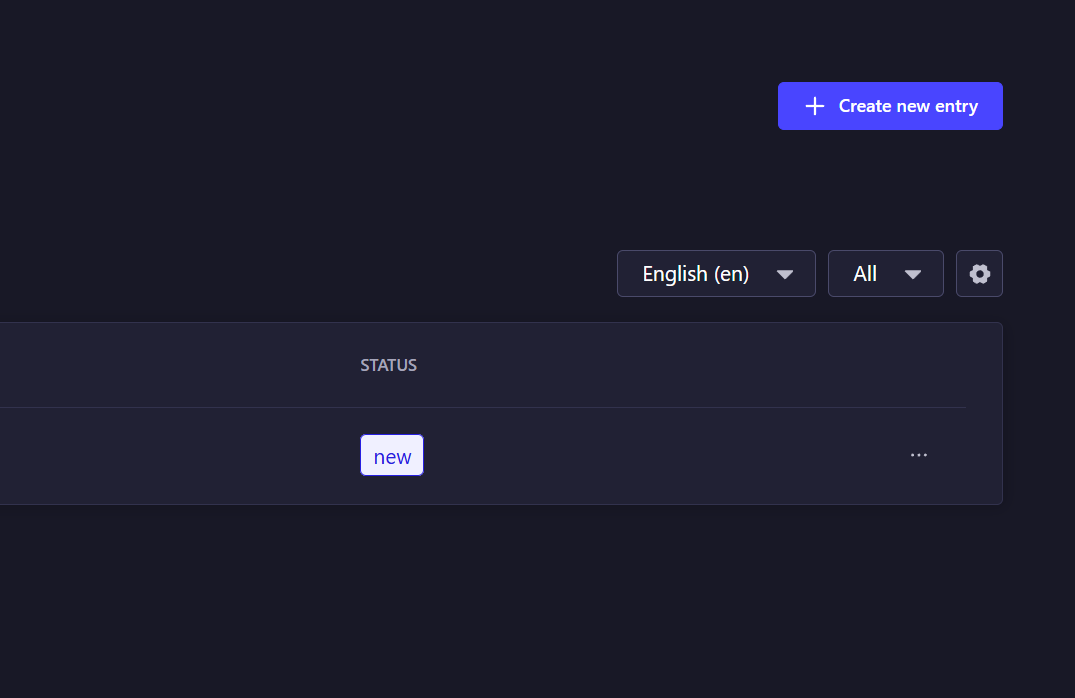
On the list view
On the list view you will be able to filter content by statuses. The little badge with your status name will also be displayed.
License
MIT

