
Cincopa uploader
Upload and manage Cincopa media assets directly from Strapi Admin Panel.
Latest version
released October 30, 2025
npm install strapi-plugin-cincopa-uploader🎞️ Strapi Plugin: Cincopa Uploader




A powerful Strapi plugin for uploading and managing media assets in Cincopa directly from the Strapi Admin Panel.
✨ Features
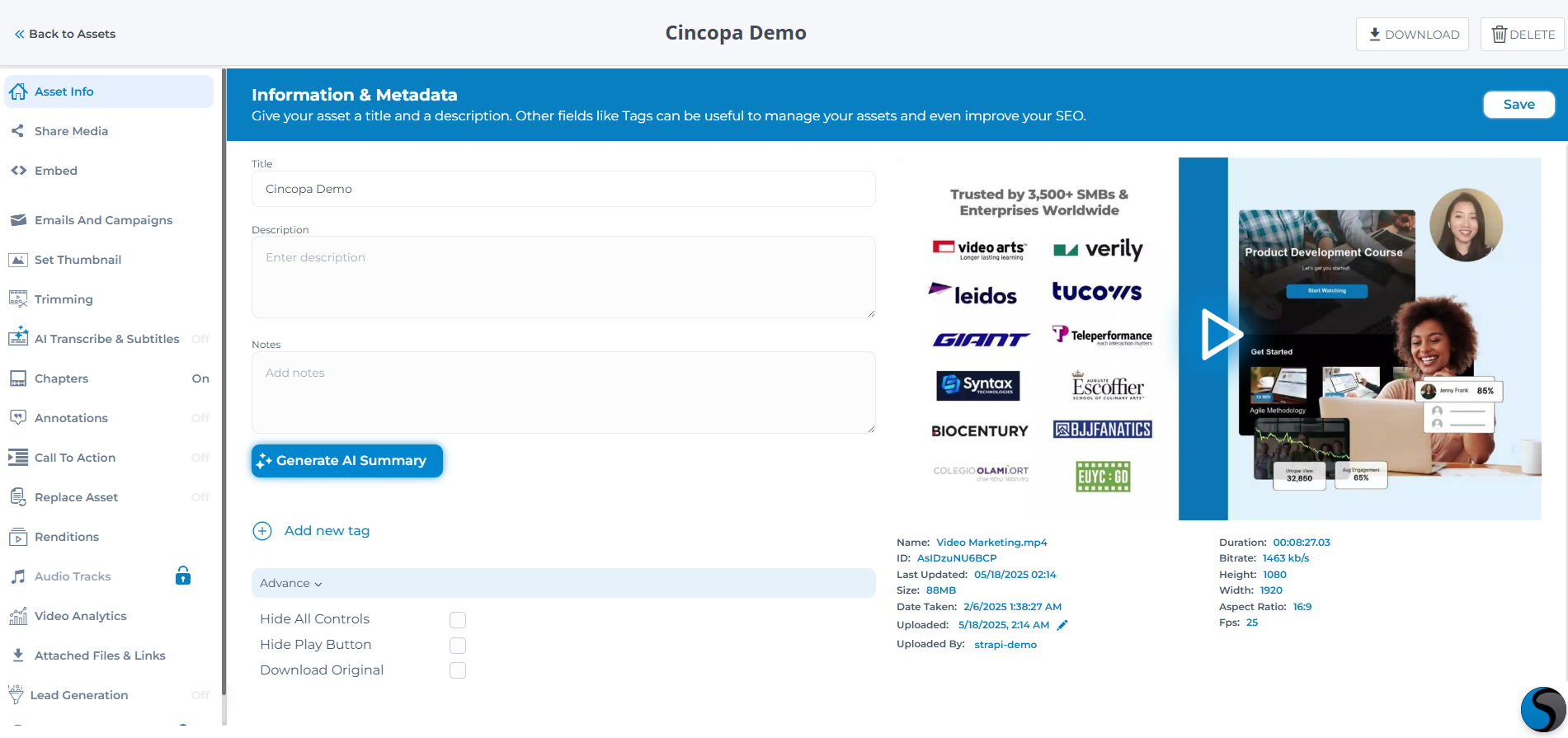
- 📤 Upload videos to Cincopa from within Strapi
- 🎥 Use our customizable, video players (mobile and desktop) - available in multiple styles such as playlists, Netflix-like galleries, academy and course layouts with multiple playlists, and more
- ⚡ Deliver content through a top-tier global CDN for maximum speed and reliability
- 🔒 Enterprise-grade security - protect your videos with AES encryption, domain and IP restrictions, and expiring embed tokens.
- 📊 Analytics: Dive into layered insights with our three-level analytics
- 📝 Create, upload, or generate subtitles/CC with AI
- 🎬 Create or auto-generate chapters to divide a long video
- 🎯 Add on-video features like annotations, calls to action, lead capture forms
- 🔍 Search your video library by title, description, ID, or even within the transcript
- 🧠 Set or auto-generate title and description with AI
- 🖼️ Pick or upload a thumbnail, or define a video clip as your preview
- 🌐 Automatic Video SEO with structured JSON-LD markup
- ✂️ Cut, trim, and refine your video content
- 🧩 API access - integrate Cincopa with your apps, automate workflows, or build fully custom video experiences.
🛠️ Installation
This plugin is compatible with Strapi v5.
npm install strapi-plugin-cincopa-uploader@latest⚙️ Configuration
After installation, configure the plugin based on your project setup.
Plugin Setup
JavaScript:
// ./config/plugins.js
module.exports = ({ env }) => ({
  'cincopa-uploader': {
    enabled: true,
    config: {
      apiToken: env('CINCOPA_API_TOKEN'),
      fullCincopaSync: false,
    },
  },
});
TypeScript:
// ./config/plugins.ts
export default ({ env }) => ({
  'cincopa-uploader': {
    enabled: true,
    config: {
      apiToken: env('CINCOPA_API_TOKEN'),
      fullCincopaSync: false,
    },
  },
});
Environment Variable:
CINCOPA_API_TOKEN=your_actual_api_token_hereRestart the server after saving changes:
npm run develop📢 Webhook Setup
Enable real-time synchronization by configuring a webhook in your Cincopa account.
- Go to your Cincopa Dashboard
- Create a new webhook
- Set the URL:
https://your-strapi-domain.com/api/cincopa-uploader/webhookNote: Webhook signature verification is currently disabled (may be added in future updates).
For local development, use ngrok:
ngrok http 1337Then set the ngrok public URL in the webhook configuration.
🌐 Full Sync Mode
If fullCincopaSync is set to true, the plugin will synchronize all assets in your Cincopa account, not only those uploaded via Strapi.
Modify in your plugin config:
fullCincopaSync: true📅 Usage
Uploading Assets
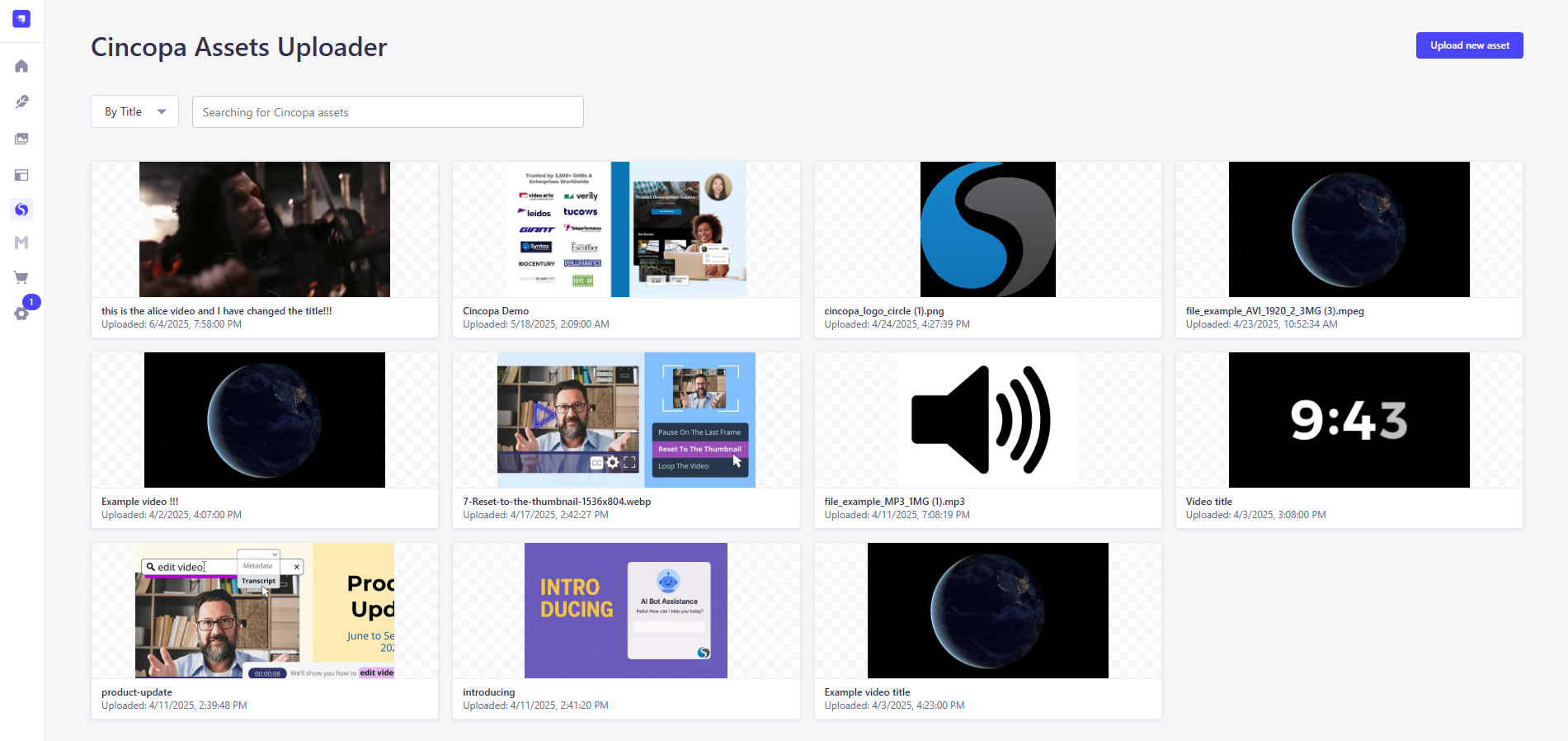
- Navigate to Cincopa Uploader in the Strapi Admin Panel
- Upload via file or remote URL
- Uploaded media is linked to custom collection types easily
Asset Management
- Create or update entries by associating uploaded Cincopa assets
- Example: Create an "IKEA Stores" collection type and attach video tours
API Access
Enable public API access for your content:
- Go to Settings > Roles > Public
- Enable
findandfindOnepermissions for your collection types
Fetch your data via:
curl http://localhost:1337/api/ikea-storesAssets will appear with metadata, media URLs, and thumbnails.
💡 FAQ
The plugin doesn't show in Admin UI?
rm -rf .cache build
npm run build
npm run develop
Webhooks don't work locally?
Use ngrok or a similar tunneling tool.
💬 Support
For assistance, contact support@cincopa.com

